











EFTPOS

Fast, Reliable EFTPOS solution built for healthcare practices

Fast, secure payments and claiming for your practice today, plus a clear path to our next-generation EFTPOS device, Tyro Health Pro Key.

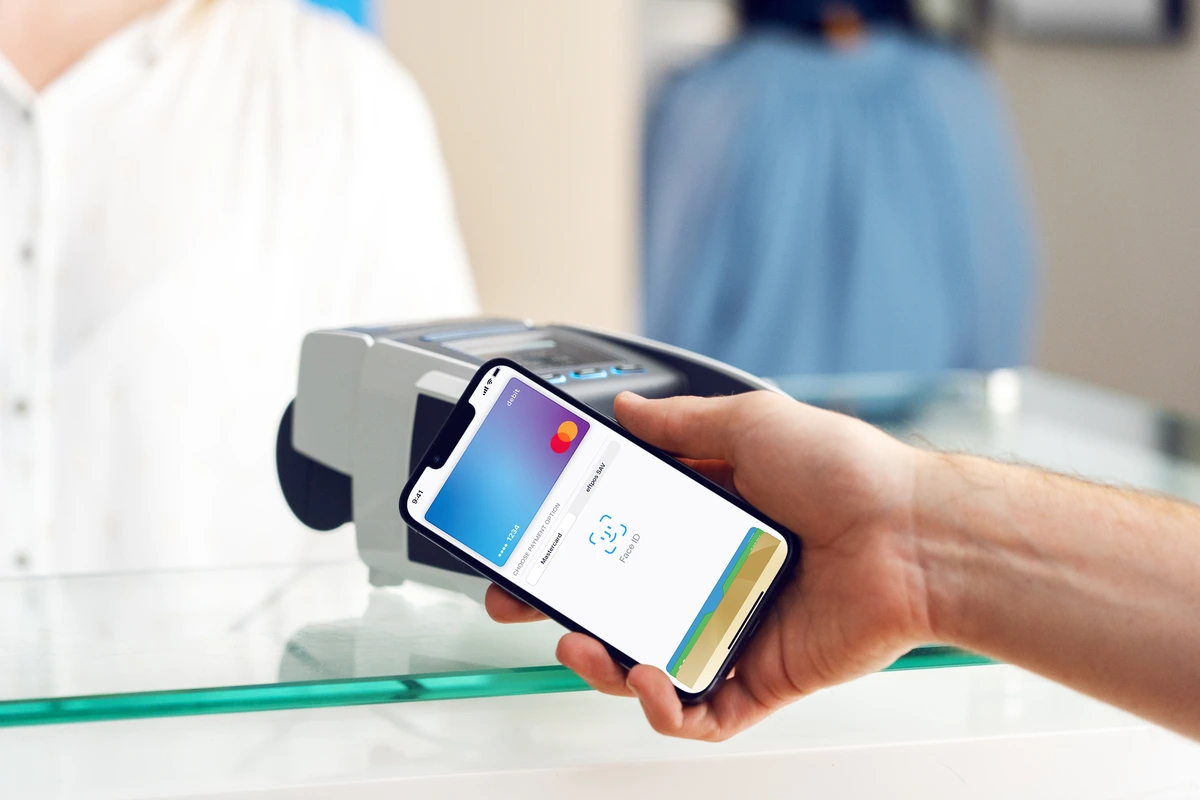
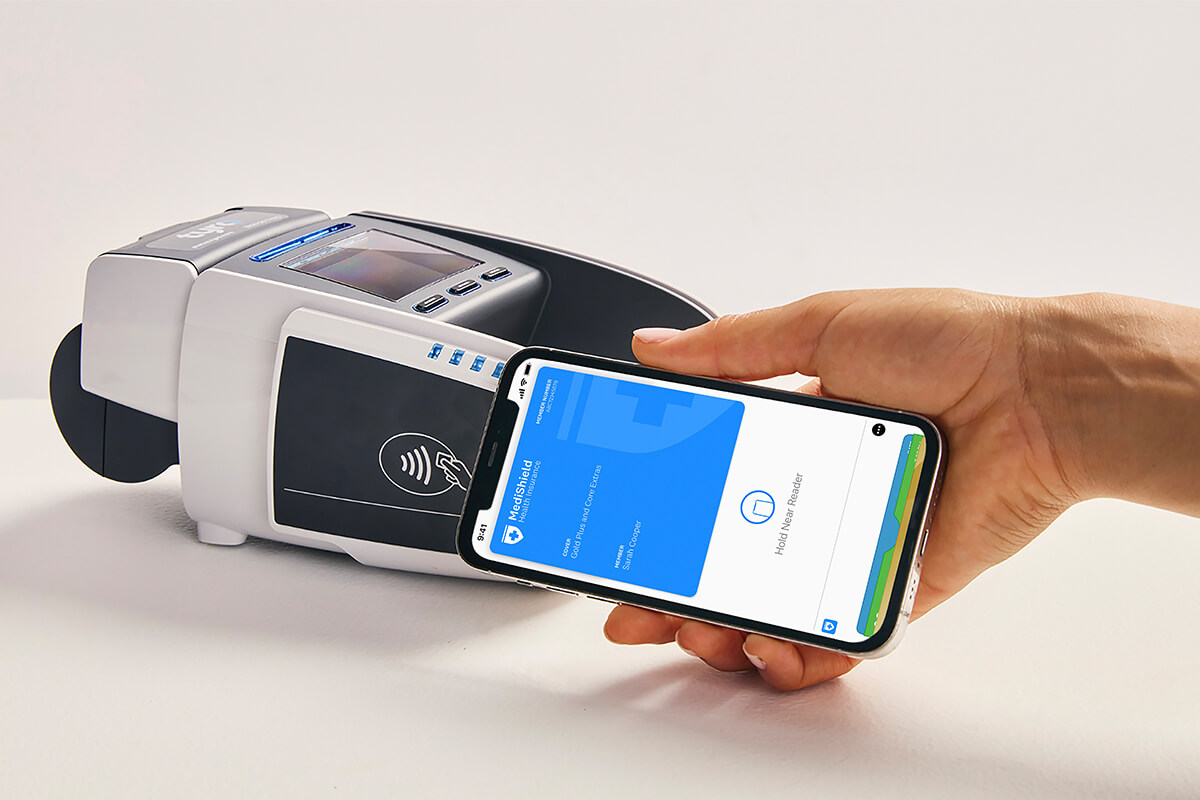
Person making an Apple Pay transaction by tapping iPhone against a Tyro Health EFTPOS terminal
Integrated Medicare Easyclaim

Process bulk bill and patient claims, with an eligible rebate available to patients immediately. *

Private health quotes, claims and gap payments

Process quotes and claims instantly with all supported private health insurers. ^

Multi-merchant support

Settlements paid into individual provider bank accounts when accepting payments on a shared EFTPOS machine.

Fast settlements

All private health claims are paid as a single settlement amount next business day, with payments also paid next business day in their own single settlement. §

A proven EFTPOS for healthcare practices

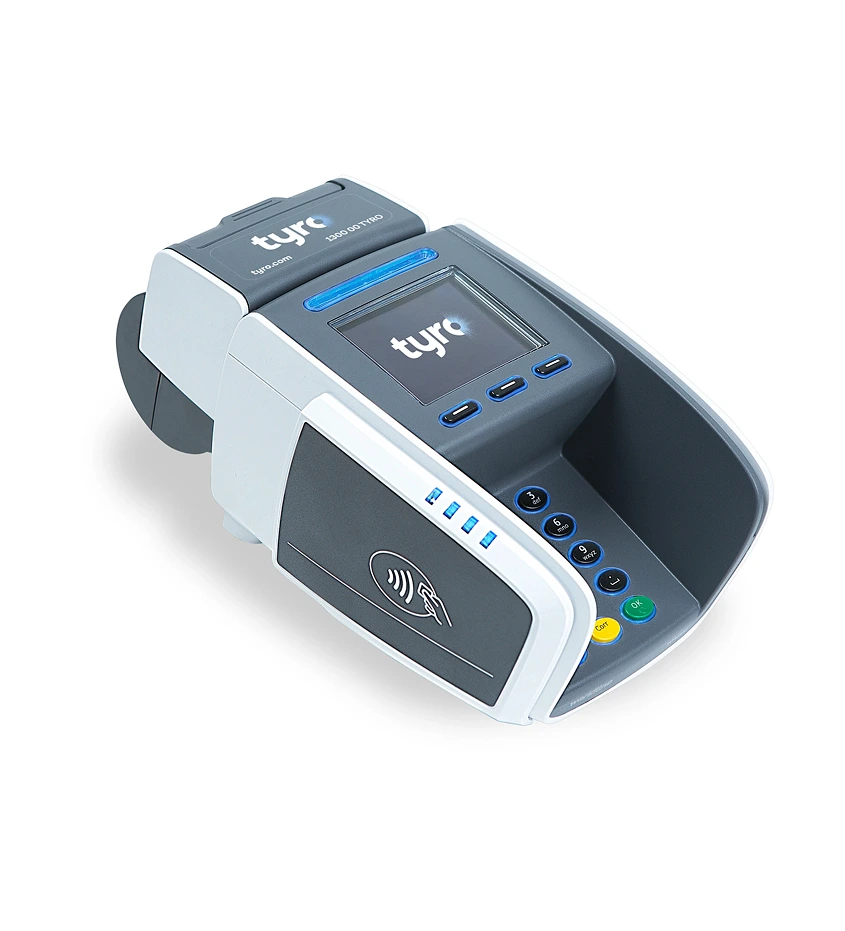
Trusted by healthcare practices across Australia, Tyro Health CounterTop EFTPOS is a reliable choice for practices that value stability and simplicity.

  • Process payments quickly and securely

    Take payments quickly and securely, with reliability you can count on during busy periods.

  • Integrated Medicare Easyclaim for instant rebates

    Offer instant patient rebates at the point of care with Medicare Easyclaim on EFTPOS via integrated practice management systems. *

  • Private health insurance quotes and claiming

    Process private health insurance claims (inc. OVHC) and quotes in-person or online via integrated PMS partners or Tyro Health Online. §

  • Multi-merchant support for unlimited practitioners

    Add as many practitioners as you like to a single CounterTop EFTPOS device, and settle funds separately.

Accept the payment methods patients expect
 

Tap & Claim

Process private health insurance claims without the need of a physical health insurance membership card.

Providers with patients of participating health funds, and their digital membership card enabled, can claim simply by holding their iPhone, Apple Watch or Android™ device near any Tyro Health CounterTop EFTPOS machine in Australia with Private Health Claims enabled.

Pricing

Machine rental fee

$29
per month

1.1%

per transaction, incl. GST
incl. interchange and scheme fee

Uncomplicated pricing for health businesses. Our straightforward pricing removes the guesswork by offering a fixed cost for running your business, with essential access to the claiming with Medicare and private health insurers.

Alternative

More than
one location?

Custom pricing

Call us on 1300 00 TYRO if you have multiple locations and would like to discuss pricing options.

See which EFTPOS machine is right for you

Enquire about or compare our range of EFTPOS solutions to see what’s right for your practice.


Frequently Asked Questions

  • How do I get a CounterTop machine for my business?

    If you are a new Tyro Health customer, simply apply for our CounterTop EFTPOS machine by clicking “Enquire about EFTPOS” above.

  • Do I need to switch bank to use a Tyro Health EFTPOS machine?

    Settling into the Tyro Transaction Account means you can reap the benefits of accessing your EFTPOS takings fast and on the same day through same day settlement, including on weekends and public holidays ¤. Don’t have a Tyro Transaction Account? No worries, you can always settle into your nominated or linked Australian Bank Account. Or better yet, open up a Tyro Transaction Account and choose to allocate a percentage of your takings in your Tyro Transaction Account or your linked Bank Account.
    For more details on Tyro’s banking product, visit tyro.com.

  • What payment types does the CounterTop machine accept?

    Tyro offers a wide range of payment options to give your customers the flexibility to choose how they wish to pay. Tyro’s CounterTop device lets you accept major card and contactless payment options including Visa, Mastercard®, eftpos, American Express, JCB, Apple Pay, Google Pay, Samsung Pay and more.

  • Does the CounterTop machine integrate with my PMS system?

    The CounterTop EFTPOS machine integrates with a wide range of Practice Management Systems. See if we integrate with your PMS by visiting our list of integrated Practice Management System partners.

  • How does the CounterTop machine connect?

    The CounterTop EFTPOS machine connects to the internet via Ethernet cable. Simply connect the EFTPOS machine to your network by plugging one end of the Ethernet cable into the available socket on the machine base and the other end to a spare port on your modem, router, or switch.

    More details on how to set-up your machine can be found at www.tyro.com/set-up.

  • What is Dynamic Surcharging and how do I enable it?

    Dynamic Surcharging is a feature of Tyro’s EFTPOS solution that easily let’s you configure individual surcharges for different card types from within your Tyro Merchant Portal login. For more details on how to enable Dynamic Surcharging visit Tyro’s dedicated help article.

Learn more

We’re all about function that fits your health business. You might be interested in the following.

Pro Key EFTPOS

Next-generation EFTPOS for healthcare

Pricing

Always know what you’ll pay with Tyro Health EFTPOS.

Multi-merchant

Enabling practices to share an EFTPOS device with unlimited providers, and settle funds separately.

We’re here to help

Our easy-to-access help articles and Australian-based team are here to help you.