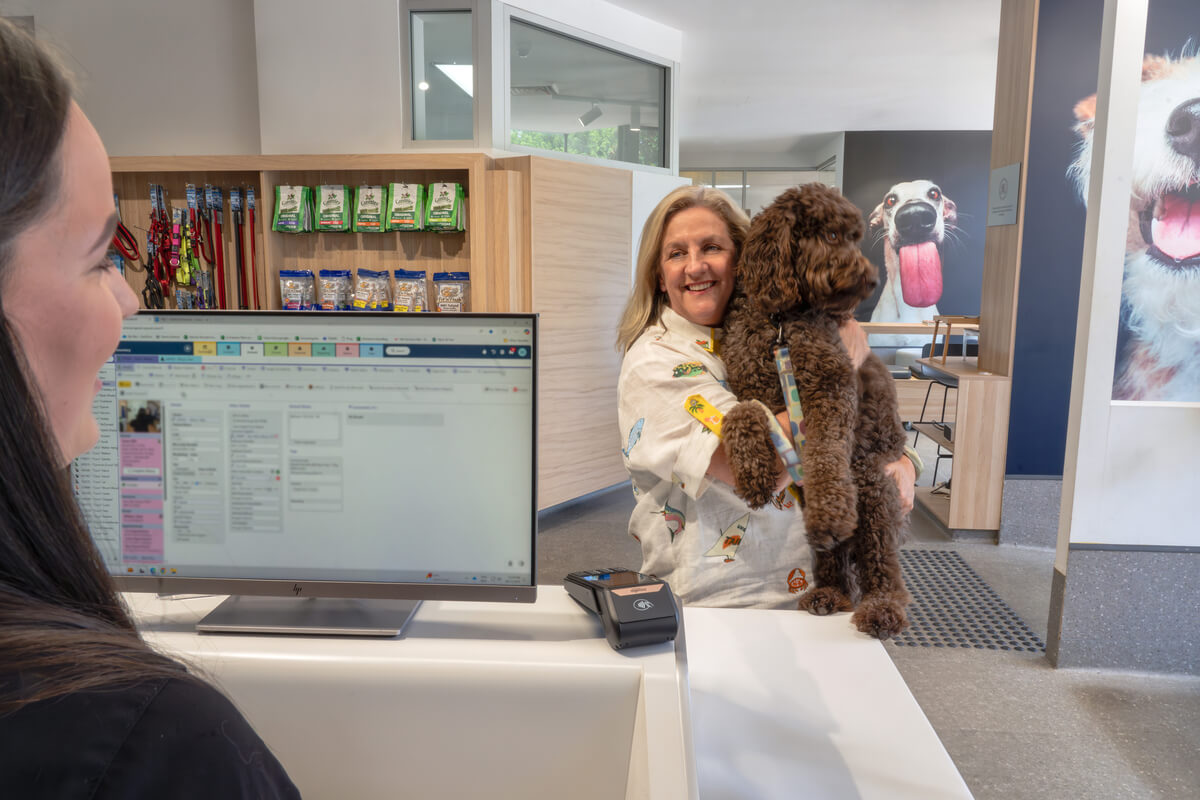
Help patients move through reception faster with digital health fund cards.
Eligible patients can tap their iPhone, Apple Watch or Android™ device on a Tyro Health EFTPOS machine to start a private health insurance claim, with no physical card required. Once the claim is processed, they can pay any gap payment using Apple Pay or Google Pay.

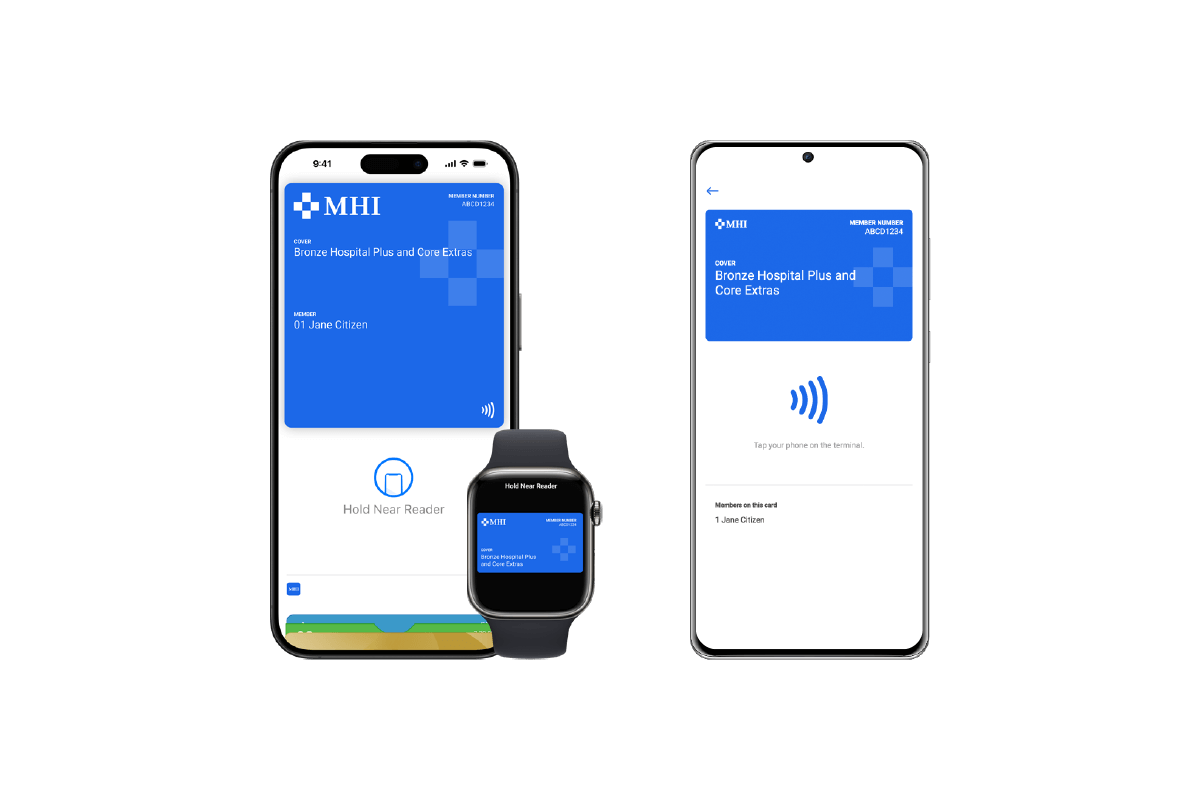
Tap to Claim makes private health claiming easier for both patients and practice staff. Here’s how it works.
Start a private health claim in the way that works best for your practice. Raise a claim from your PMS, Tyro Health Online, or directly on your Pro Key EFTPOS machine.
Note: Direct claim initiation on the EFTPOS machine is available on Pro Key. On CounterTop devices, claims can be initiated via an integrated PMS or Tyro Health Online.
Patients can access their digital health fund card from Apple Wallet on iPhone or Apple Watch, or through their health fund’s app on Android devices.
Ask your patient to hold their device near the EFTPOS machine’s NFC reader. Member details will be captured automatically to begin the claim.
Note: If multiple members are linked to the card, patients can select the correct member before tapping.
Continue processing the claim as usual and accept any gap payment if required.
Need more information? Visit our Help Centre for setup instructions, supported health funds and FAQs.
A digital health fund card is a membership card stored on a patient’s phone, usually in a health fund app or mobile wallet, that can be tapped on a compatible Tyro Health EFTPOS device to help process a private health claim.
Not all health insurance funds offer digital membership cards. Please ask your patient to check with their insurer if they are eligible.
Eligible patients should find set-up instructions on how to add their digital membership card fin their health fund’s app or website. In most cases, the patient will be able to access their digital membership card via their health fund’s app. Apple users can add their card to their Apple Wallet via the dedicated button.
Digital health membership cards work with the Tyro Health Pro Key or CounterTop EFTPOS machines.
There may be several reasons why a claim was declined. If the machine does not provide an error response or the patient disputes this, ask your patient to check directly with their health fund provider. EFTPOS machine related error codes can be found in our Tyro’s Knowledge Hub.
Of course! Simply reach out to our dedicated Tyro Health support team and request for another marketing pack to be sent to you.
We’re all about function that fits your health business. You might be interested in the following.


Our easy-to-access help articles and Australian-based team are here to help you.