

ONLINE PAYMENTS

Online Payments for Veterinary Clinics

Accept secure online payments through the GapOnly® Vet Portal.

Submit a GapOnly® claim, receive approval and collect the gap payment in one seamless workflow. You can also take payments for consultations and retail purchases all from one place.
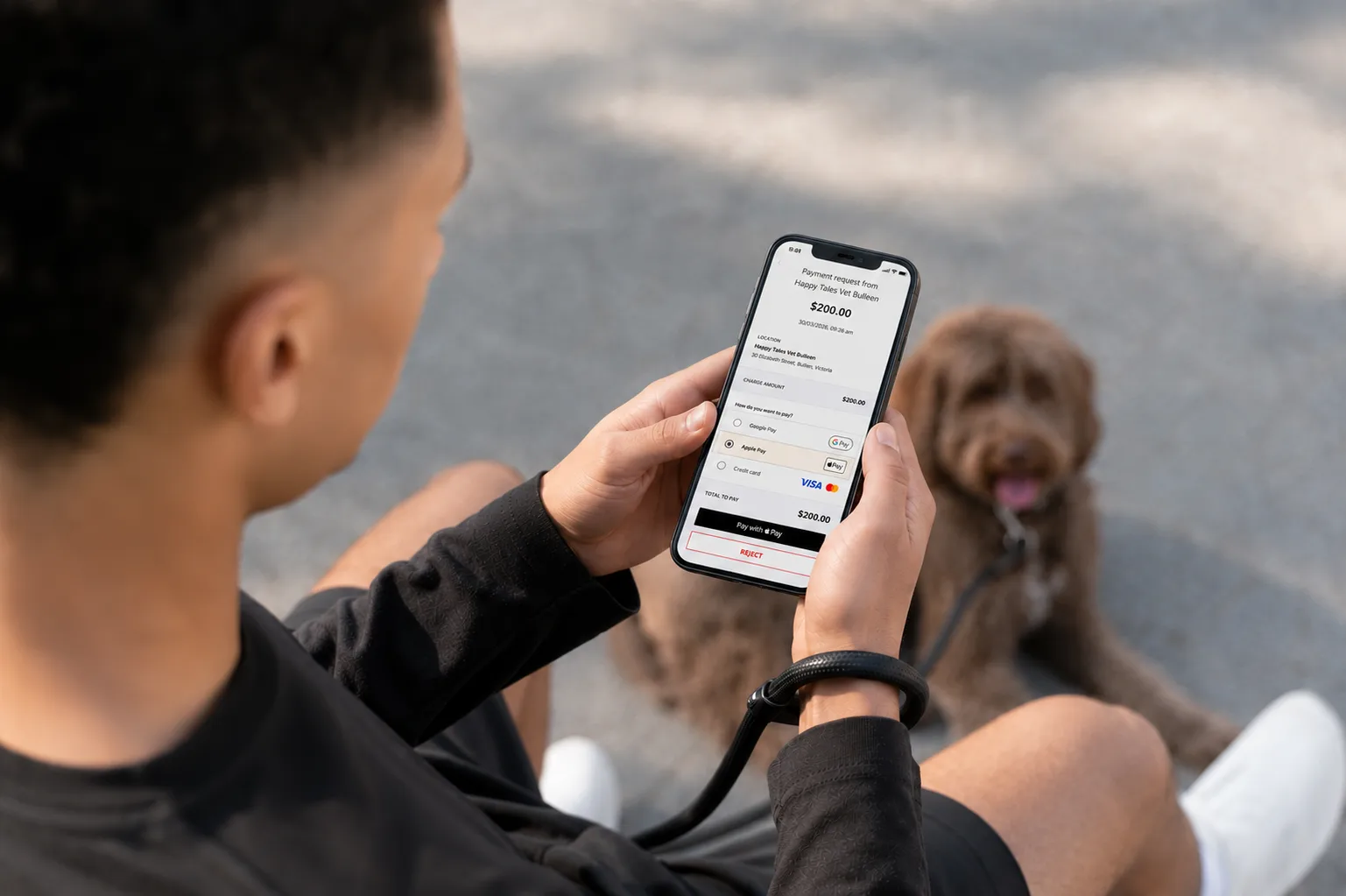
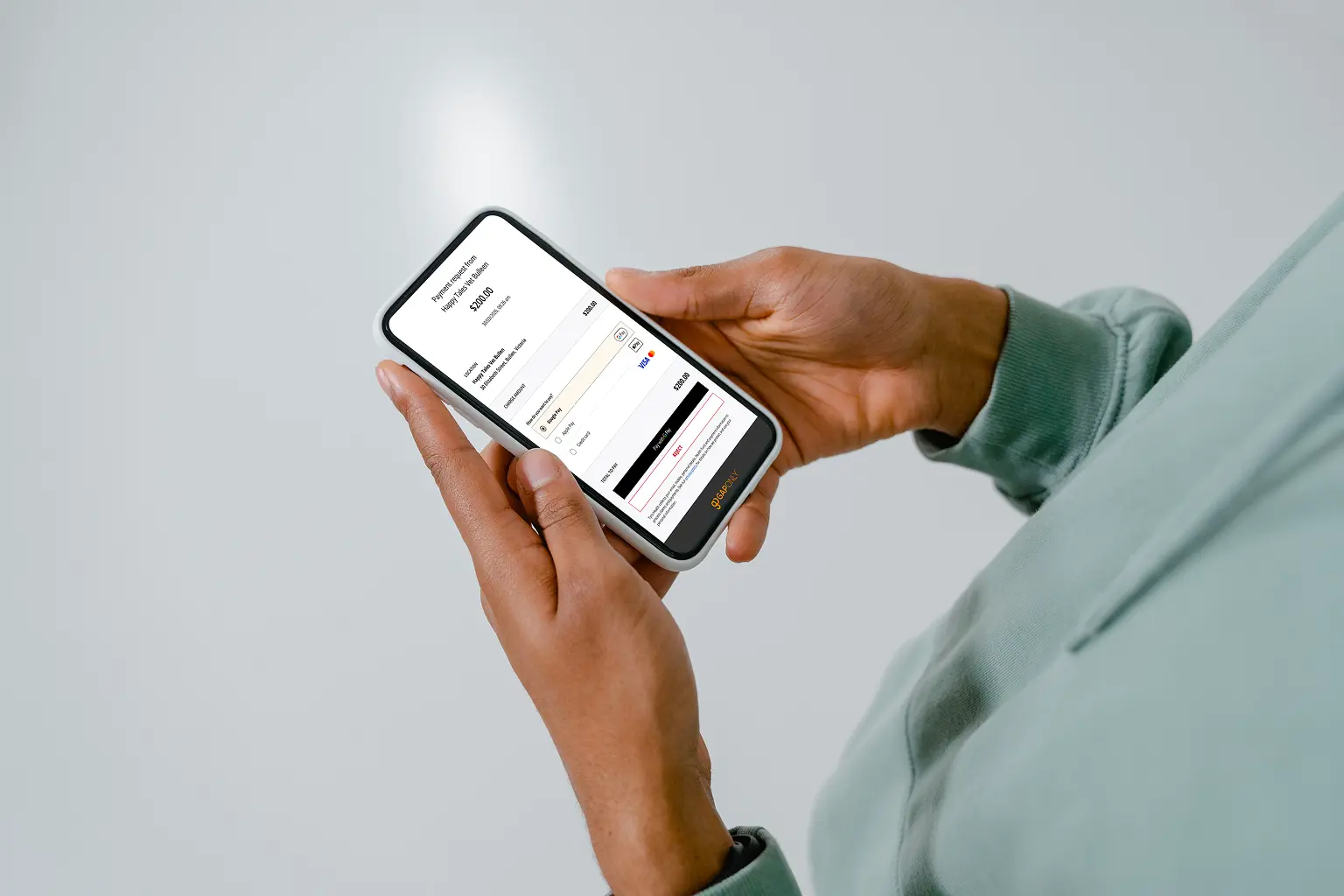
Pet owner paying a veterinary invoice online using a secure Tyro Health payment link on a mobile phone after a GapOnly claim sent from the GapOnly Vet Portal
Complete a GapOnly® claim from start to finish

Submit a GapOnly® claim, receive approval and collect the gap payment without leaving GapOnly® Vet Portal. *

Accept more ways to pay

Accept major credit and debit cards and digital wallets so pet parents can pay how they prefer.

Request payment from anywhere

Request payment by SMS or email so pet parents can pay securely from anywhere.

One combined next business day settlement

GapOnly® claims and everyday payments are settled together in one simple next business day settlement. ^

Everything you need to complete every payment

From initiating a GapOnly® claim to collecting the gap and taking payment for retail purchases, GapOnly® Vet Portal brings your entire payment workflow together in one place.

  • Complete payment in the same workflow

    Initiate a GapOnly® claim, receive approval and complete payment for the gap amount, all without switching systems. *

  • Send secure Payment Links

    Send a secure Payment Link by SMS or email to complete payment after a GapOnly® claim or request payment for medication, prescription items and other retail purchases.

  • One combined settlement

    GapOnly® claims and online payments are combined into a single next business day settlement. Plus, using the same invoice reference from your practice management system for deposits and final invoices helps makes reconciliation easier. ^

Accept these payment types

How it works

After a GapOnly® claim outcome is known, create a Payment Link for the remaining balance, or use it to request payment for everyday transactions.

Step 1
Create a Payment Link

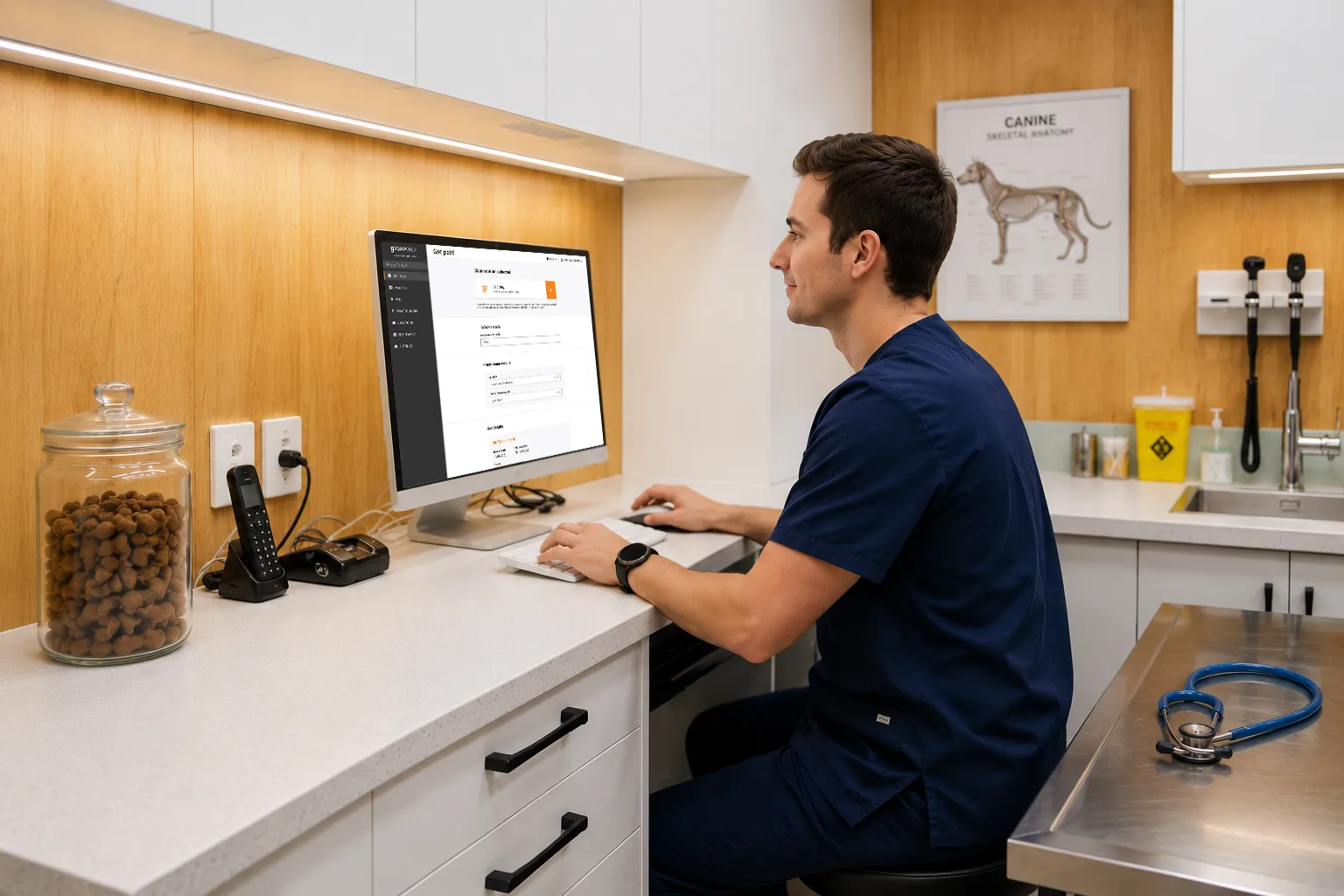
Select Create Link in the GapOnly® Vet Portal and choose the pet parent you’d like to request payment from.

Step 2
Send the link

SMS the Payment Link to the mobile number on file or copy it to send manually.

Step 3
Complete the payment

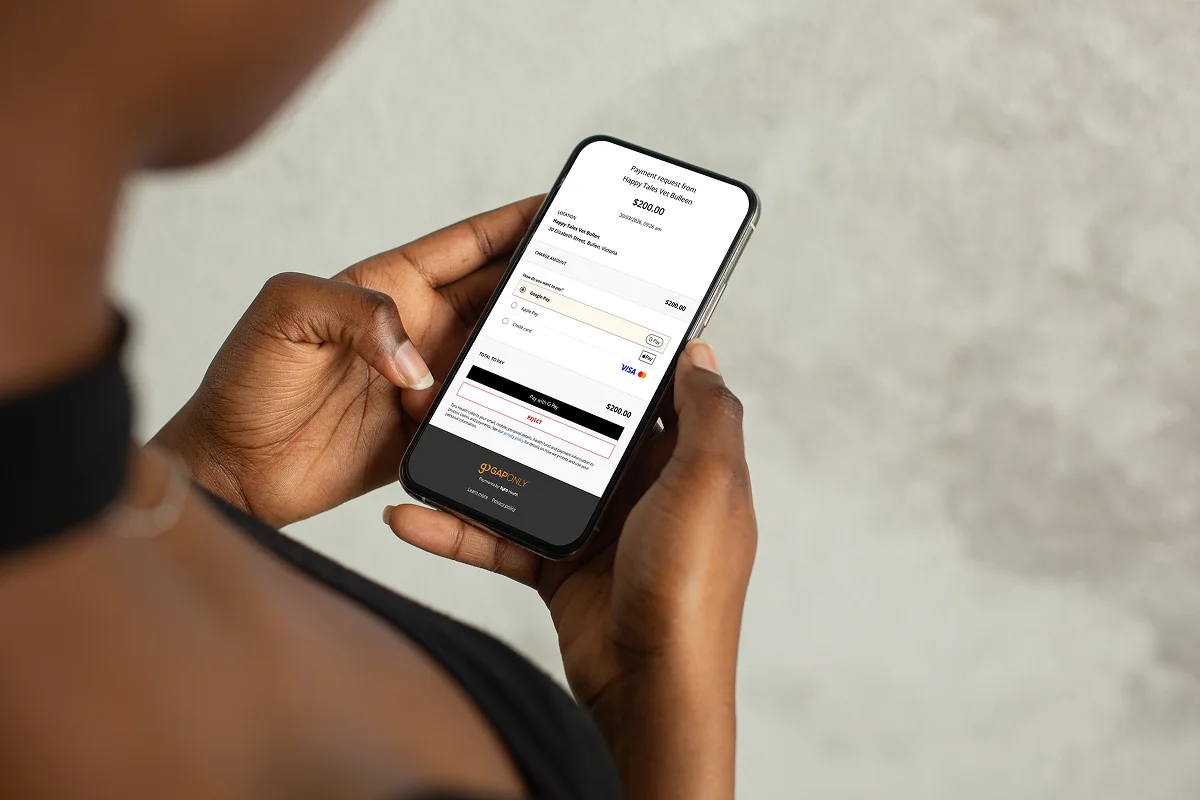
The pet parent completes payment through a secure online checkout, helping you get paid faster.


Transaction fee

 
1.2%*

(per transaction including GST including premium and international cards)

*Introductory rate until 30 September 2026

Tyro Health Online Payments transactions processed until 30 September 2026 will incur an introductory fee of 1.2% of the transaction amount. From 1 October 2026, the standard fee of 1.7% + 30c per transaction will apply. View pricing.

Get paid, wherever the pet owner is

Whether the pet owner has already left, a family member brought the pet in, or a pet sitter attended the appointment, simply send a secure Payment Link directly to the person responsible for payment.

Take payment while treatment finishes

When a pet is anxious or reactive, send a Payment Link while the owner is still in the consult room so they can pay immediately and leave quickly, avoiding the stress of returning to a busy waiting room.

Need payment before collection?

Ordering a compounded medication or special prescription item for a pet owner? Send a secure Payment Link before collection so payment is received before you dispense high-value items.

Taking payment over the phone?

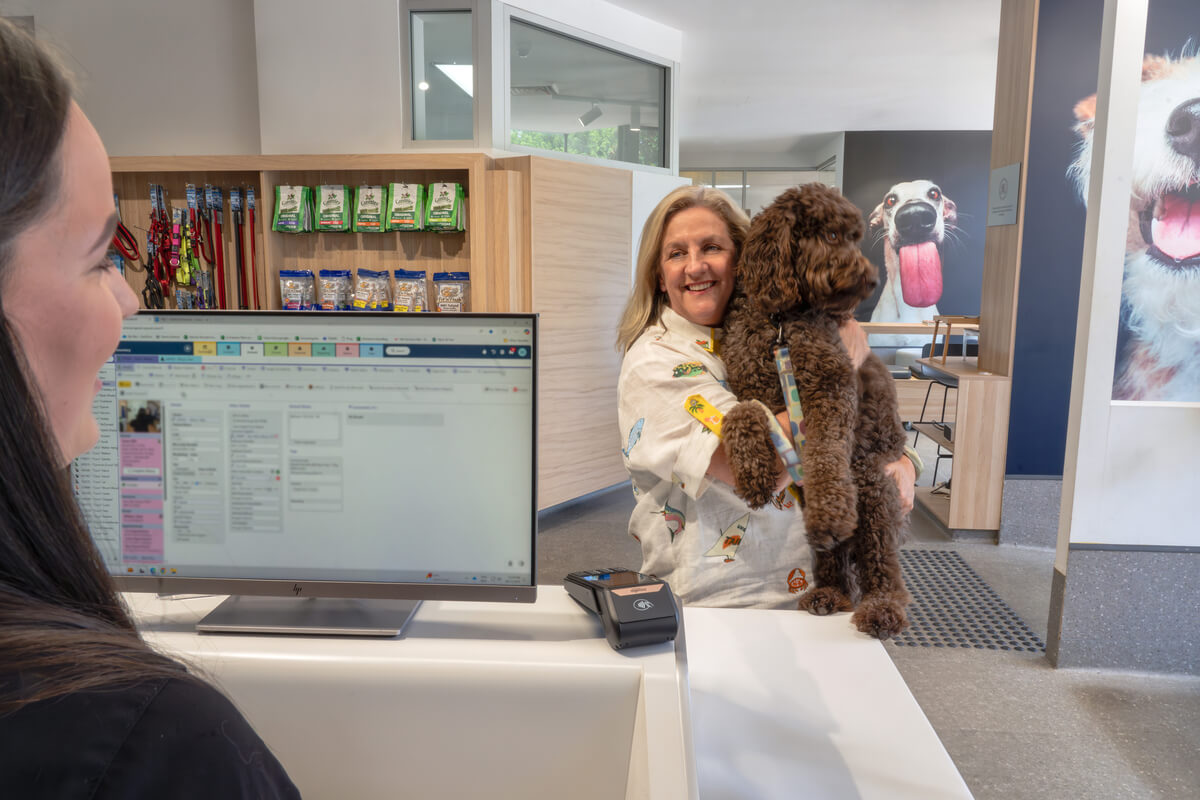
Need to take a payment remotely? Use the Virtual Terminal or send a secure Payment Link instead. Payment Links help protect customer privacy by allowing pet owners to enter their own card details securely, without reading card numbers aloud over the phone, and reduce errors caused by manual card entry.

Create a Payment Link

Start taking online payments with a simple link today. Create a GapOnly® Vet Portal account to get started.

Good to know

  • What are online payments for veterinary clinics?

    Online payments allow veterinary clinics to securely request and collect payment from pet owners without requiring them to be at the clinic. Payment links can be sent by SMS, allowing clients to pay using Apple Pay, Google Pay or a credit or debit card.

  • What payment methods can pet parents use?

    Pet parents can pay securely using major credit and debit cards, including convenient digital wallet options such as Apple Pay, Google Pay and Samsung Pay when using a payment link.

  • Can I save a pet parent’s card details?

    Yes. If the pet parent gives consent, you can securely save their card details against the pet’s record for future payments. If card details have already been saved, they’ll automatically populate the next time you process a payment.

  • What happens if I submit a GapOnly® claim outside claiming hours?

    GapOnly® claims can only be submitted during supported claiming hours (Monday to Saturday, 8:00am-10:00pm). If a claim is started outside these hours, you’ll be prompted to take full payment for the invoice instead.

    If a gap payment is required after the claim has been approved, you can process it through the portal using card entry or a secure payment link.

  • When will I receive my settlement?

    Tyro Health processes settlements every business day for approved claim and payment transactions from the previous business day.

    All approved transactions are combined into a single settlement and deposited into your nominated bank account. You can view a detailed remittance advice for each settlement within the GapOnly® Vet Portal.

  • When is the daily settlement cut-off?

    Approved online payments and GapOnly® claims received by 10:00pm AET are included in the next business day’s settlement processing. ^

    If a transaction is approved after the cut-off, it will be included in the following settlement run.